
Tired of squinting at Safari?
Dark mode that just works. DuskPage is a Safari extension that turns every website dark.
One $3.99 purchase for Mac, iPhone and iPad.
Coming soon to the App Store

It just works.
Turn DuskPage on once and every website follows: news, shopping, recipes, forums and the rest.
Pages are darkened as they load. DuskPage recolors each page instead of inverting it, so photos, videos and logos look the way they should, links stay easy to spot, and text stays crisp. Sites with their own dark design keep it.

Easy to control.
Turn DuskPage on or off for every site, or let it follow your device’s light and dark setting.
Set each website to follow your setting, stay as is, or stay dark. Pick a Charcoal or Black page color. Very bright photos are dimmed a little and stark white text is softened, and you can switch either one off.
On Mac, Control-Shift-D turns DuskPage off or on, and Control-Shift-S does the same for the website you are on. Shortcuts can turn it on or off too, and so can Control Center on macOS 26 or iOS 18 and later.

Page looks wrong?
Open DuskPage’s menu (on Mac, right-click its button in Safari) and choose “Leave as is” for that website. Then choose “Report this page” so I can fix it. Nothing goes out until you send it.
It does its work on your device.
DuskPage collects no browsing history and no page content, and it has no account, analytics, ads or tracking. Read the privacy page.
Mac, iPhone and iPad with one purchase.
Buy once with your Apple Account and DuskPage works on all three.
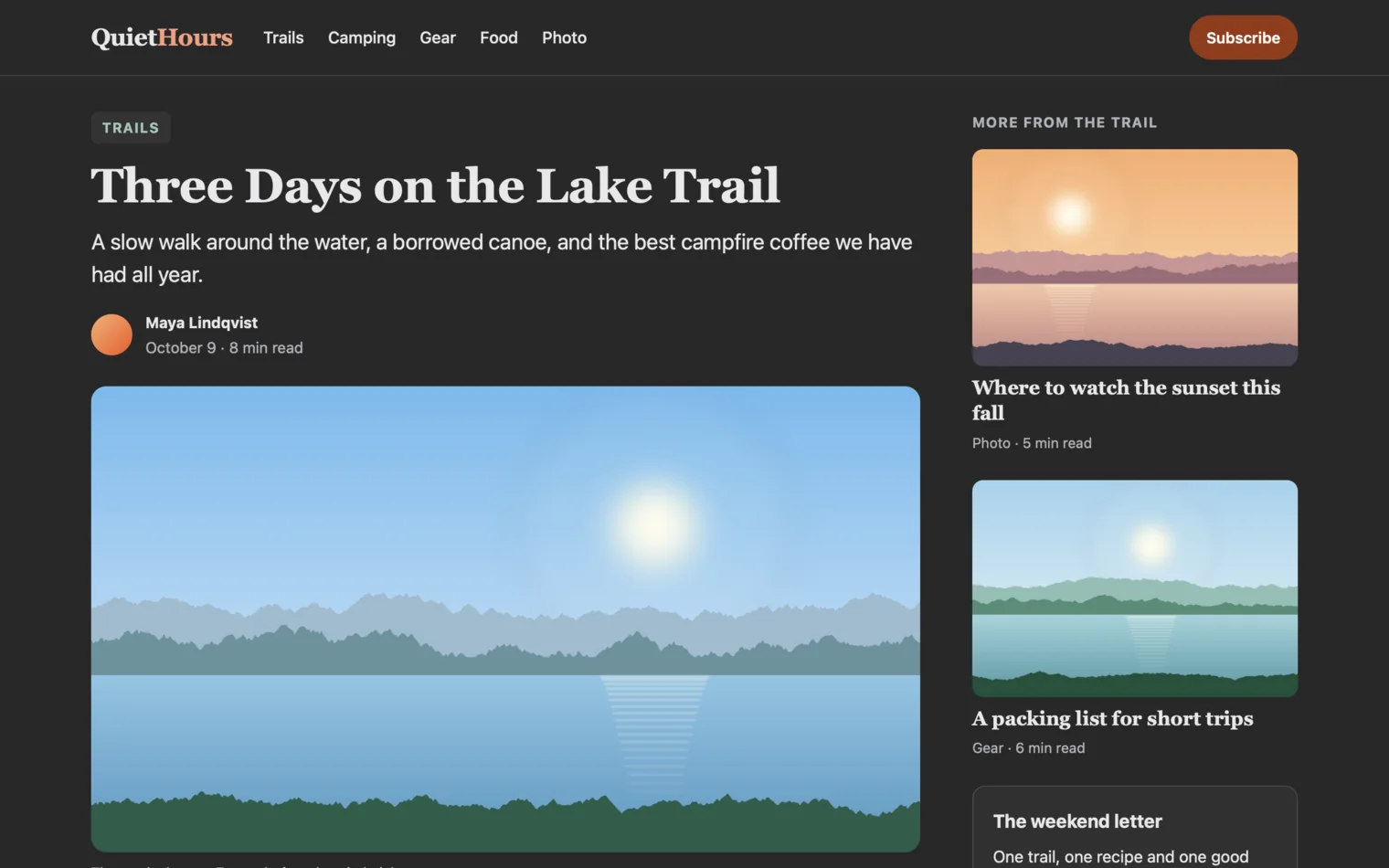
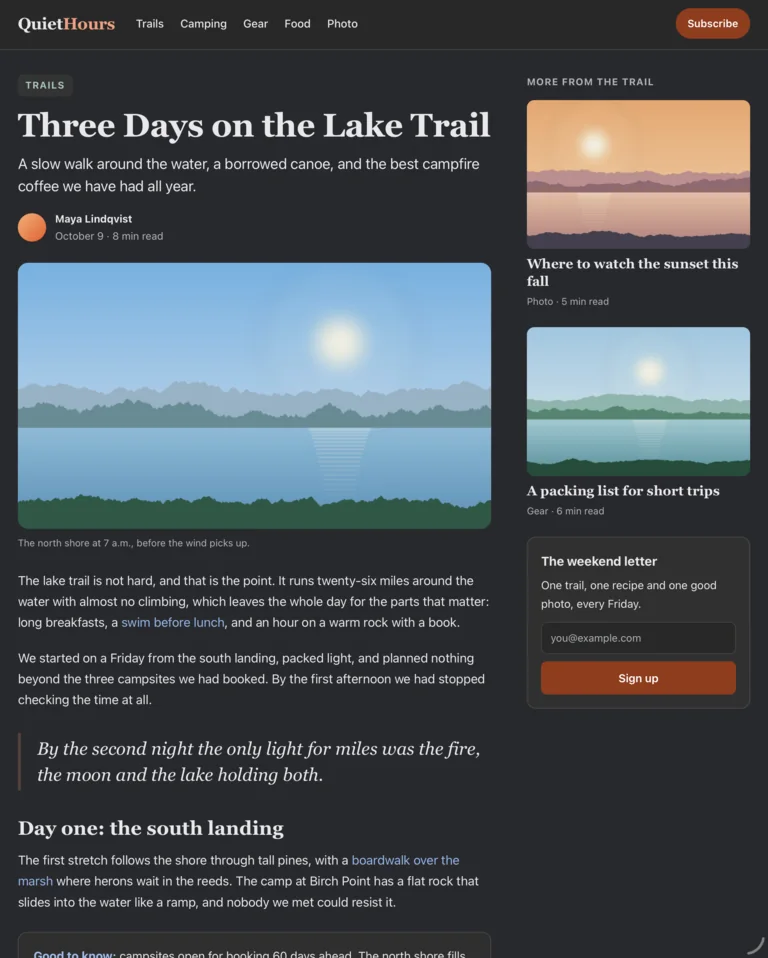
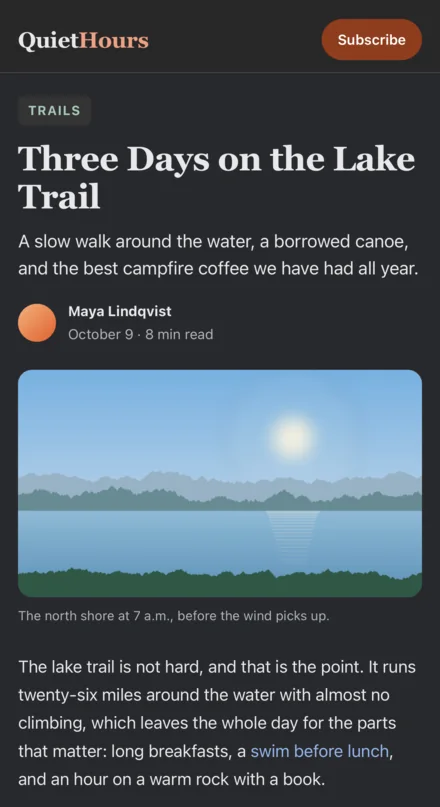
A sample page I made, with DuskPage on. Works in Safari. Needs macOS 14, or iOS and iPadOS 17, or later.
Pay once and you’re done.
Covers your Mac, iPhone and iPad. No subscription and no account to make.
After you buy, open DuskPage once. It checks your purchase with Apple and shows you how to turn it on in Safari.
Coming soon to the App StoreI make DuskPage myself. If a page ever looks wrong, write to me and I will look at it. -Schaun, SKJ APPS